first, your week
Say when you work and sleep
Fixed hours, rotating shifts, a new rota every week, or no fixed hours at all. Set it up once. A new rota takes a few taps.
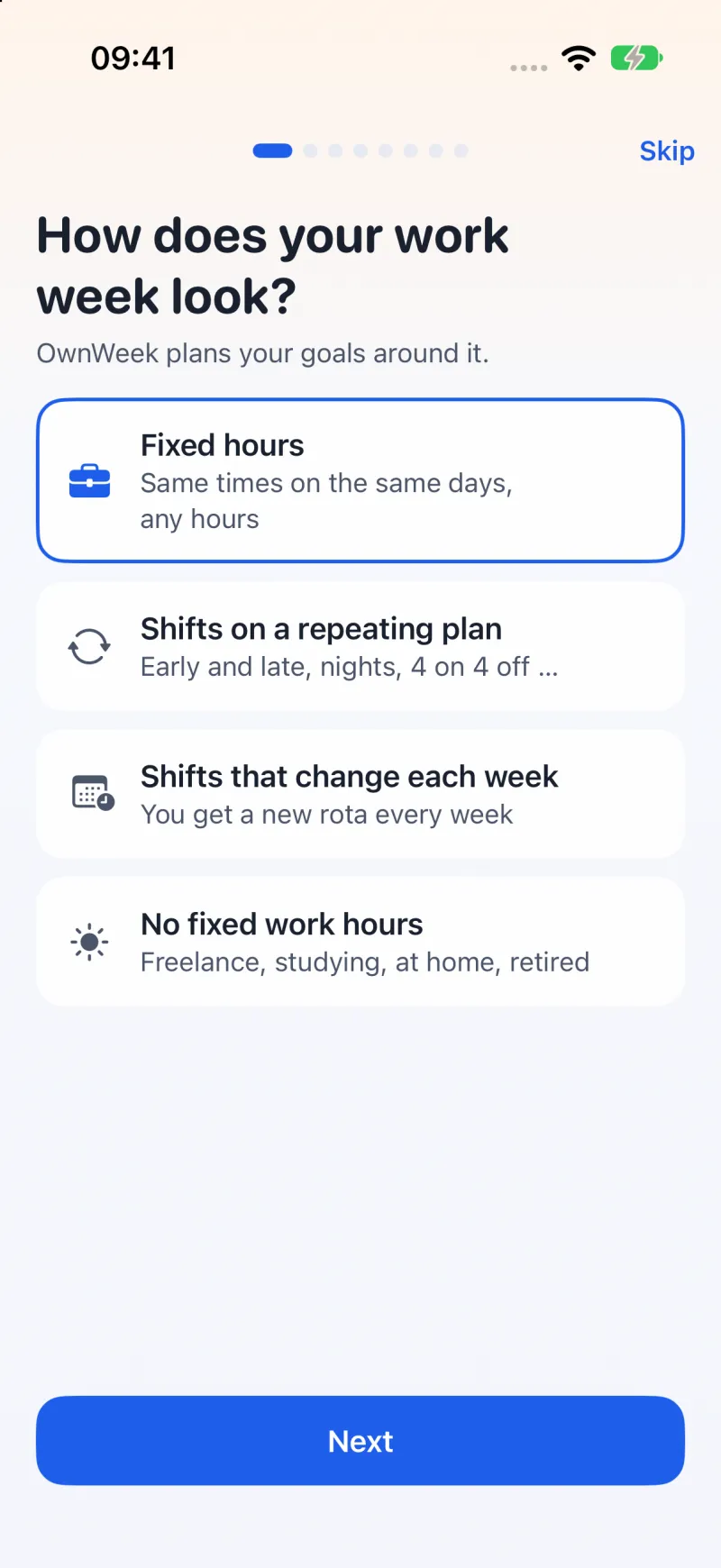
Tell OwnWeek when you work and sleep, even if the rota changes every week. It finds the free hours and puts sessions for your own goals there: a language, a run, a side project. New rota next week? A few taps, and the plan follows.
For iPhone, iPad, Mac and Apple Watch. Your plan syncs through your own iCloud, if you turn it on.
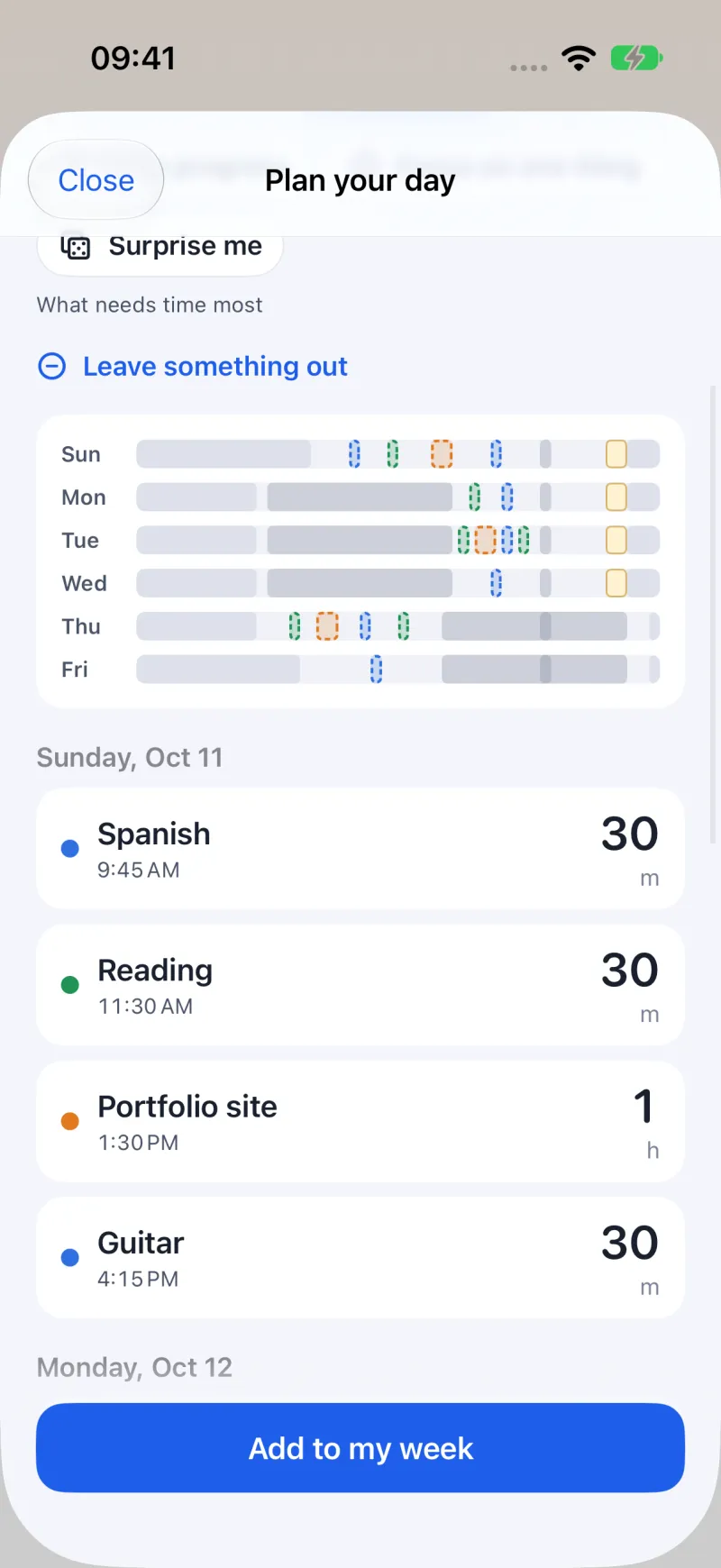
Enter next week's shifts, one tap a day. OwnWeek finds the gaps between work and sleep and plans your goals into them. Like the plan? Add it to your week.
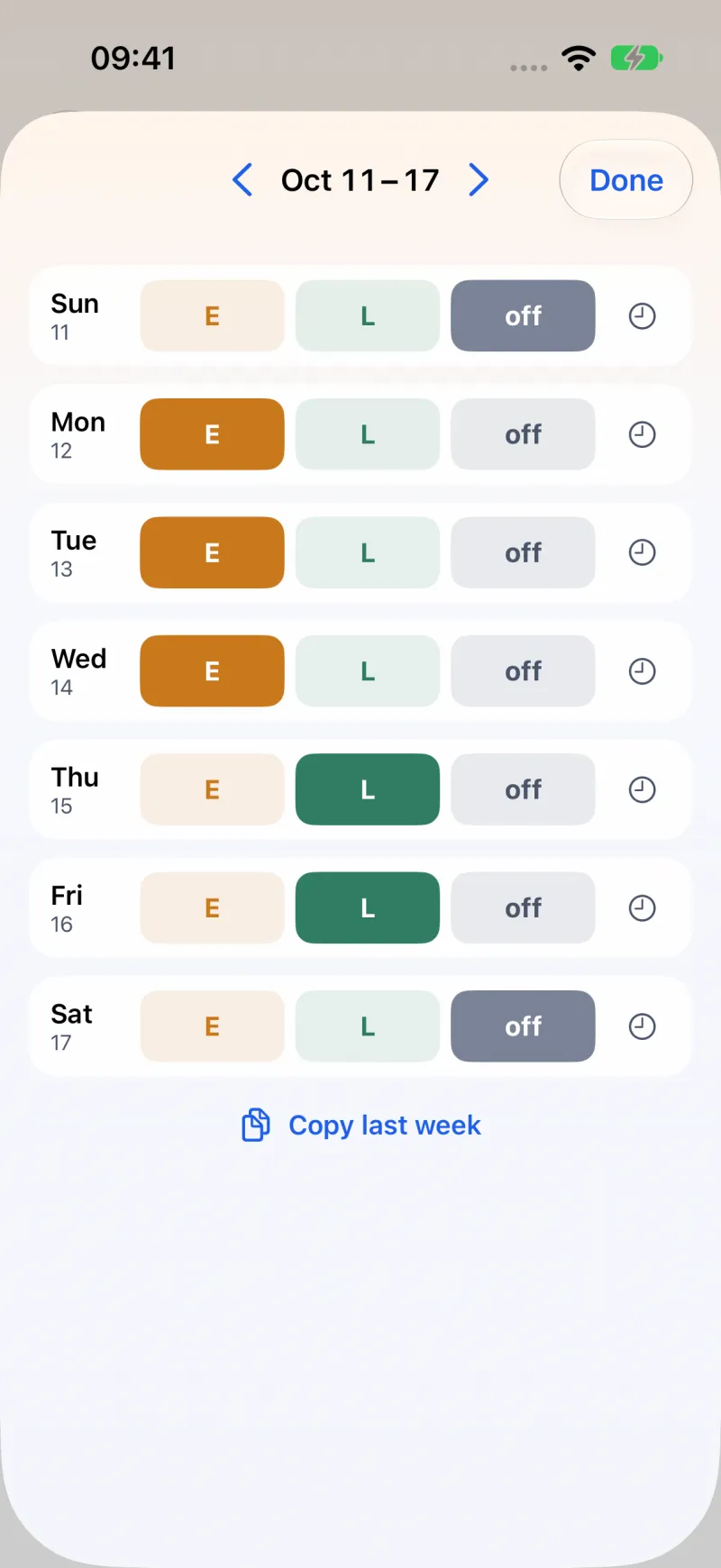
Fixed hours, rotating shifts, a new rota every week, or no fixed hours at all. Set it up once. A new rota takes a few taps.
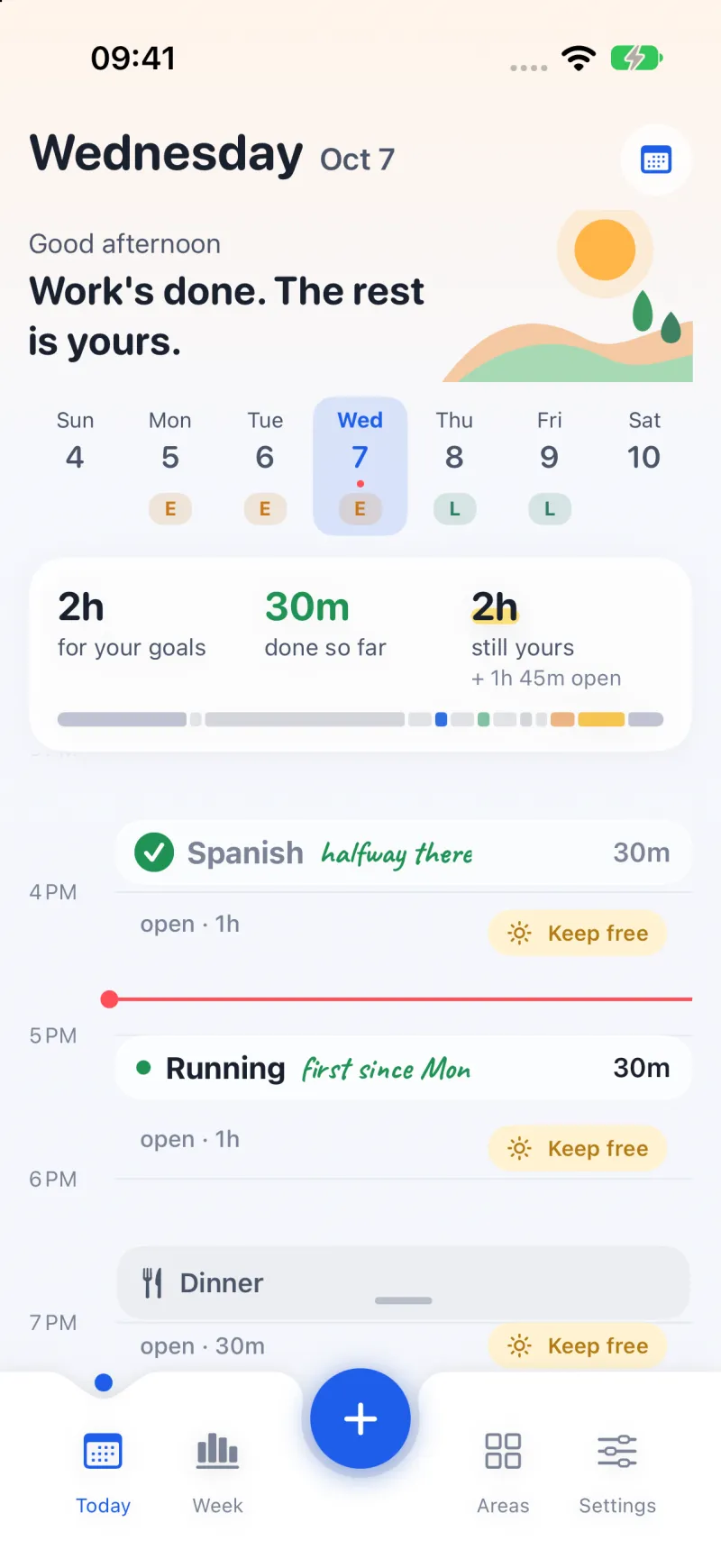
Today lists your sessions and how much of the day is left for them. Need the evening for yourself? One tap, and the plan makes room.
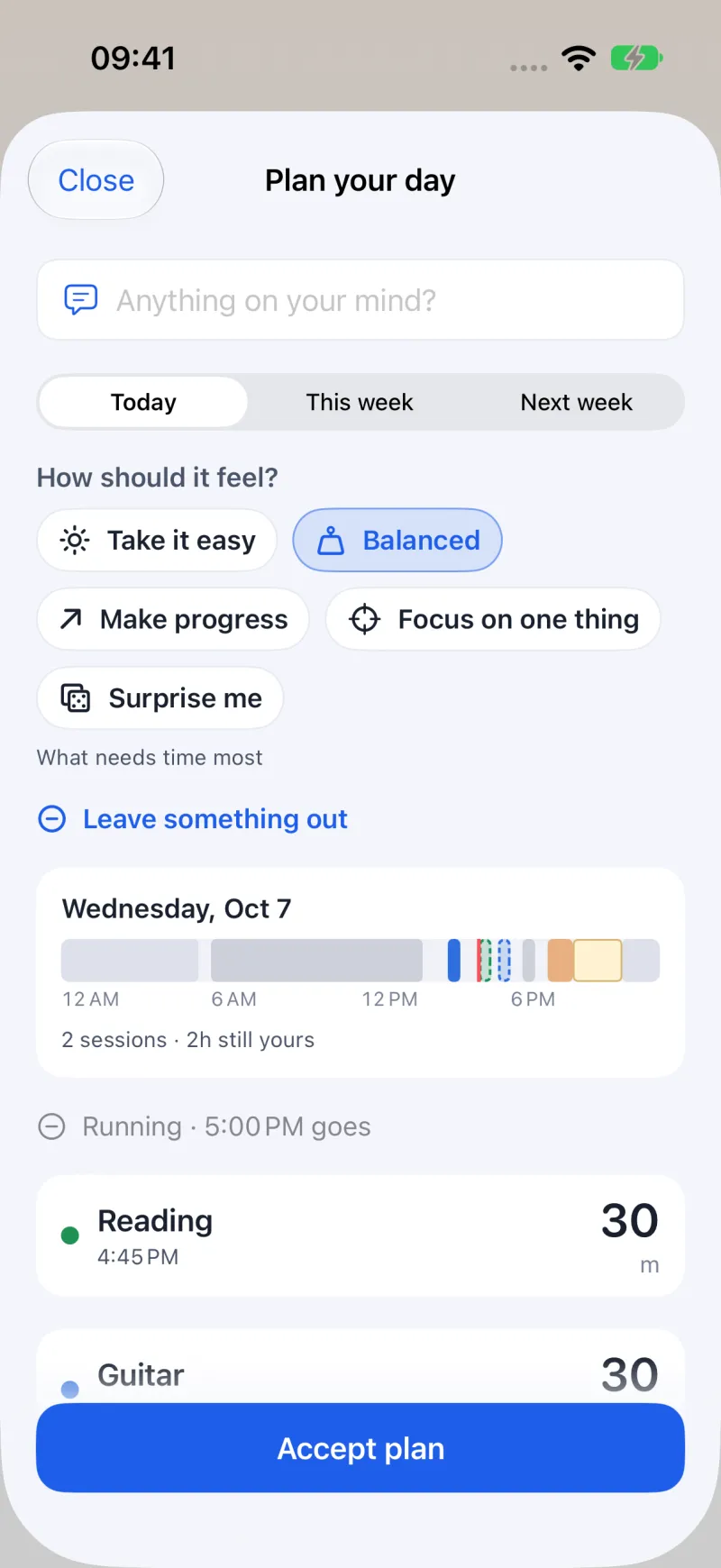
Open Plan your day and choose Take it easy, Balanced, Make progress, Focus on one thing or Surprise me. OwnWeek proposes sessions to match. Planning happens on your device, not on a server.
your plan, on your devices, nowhere else
OwnWeek is made by one person. Every email is read and answered.
Something broken, stuck in setup, or a week OwnWeek does not fit yet? Write. For a problem, include your device and iOS version if you can.
support@ownweek.app